
Visual Studio
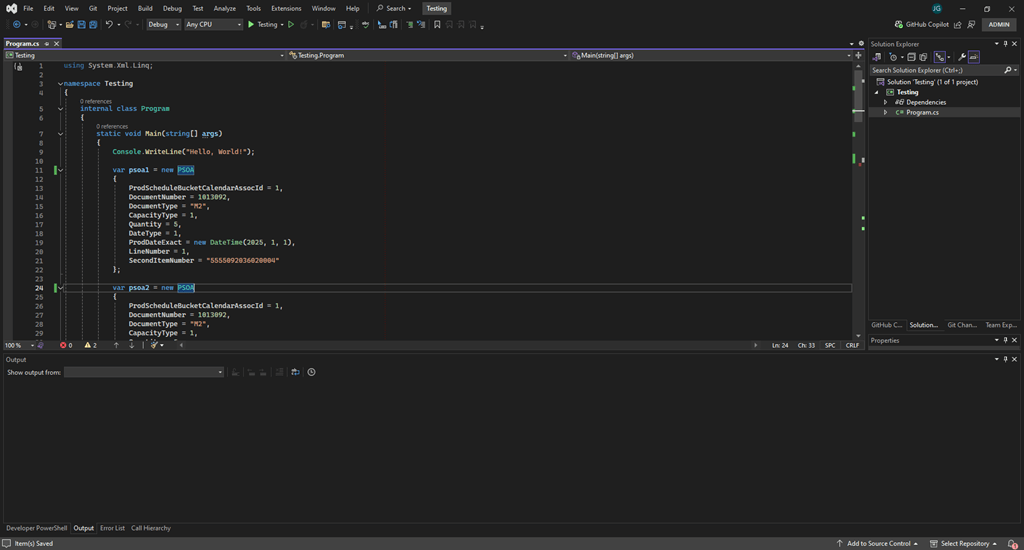
Visual Studio is a powerful IDE from Microsoft, widely used for building apps across many varying platforms. It supports many of the most popular languages such as C#, C++, and Python. It offers a wide variety of helpful features such as advanced debugging tools to make it easier to track down and eliminate problems in your code, as well robust version control and code completion features.
This is the IDE that I’ve used most during my time as both a student and as a software developer. I’ve created several drafting automation programs that hook up to Autodesk Inventor with this IDE, as well as some custom code responsible for ETL’ing data from JDE to SQL.
Visual Studio Code
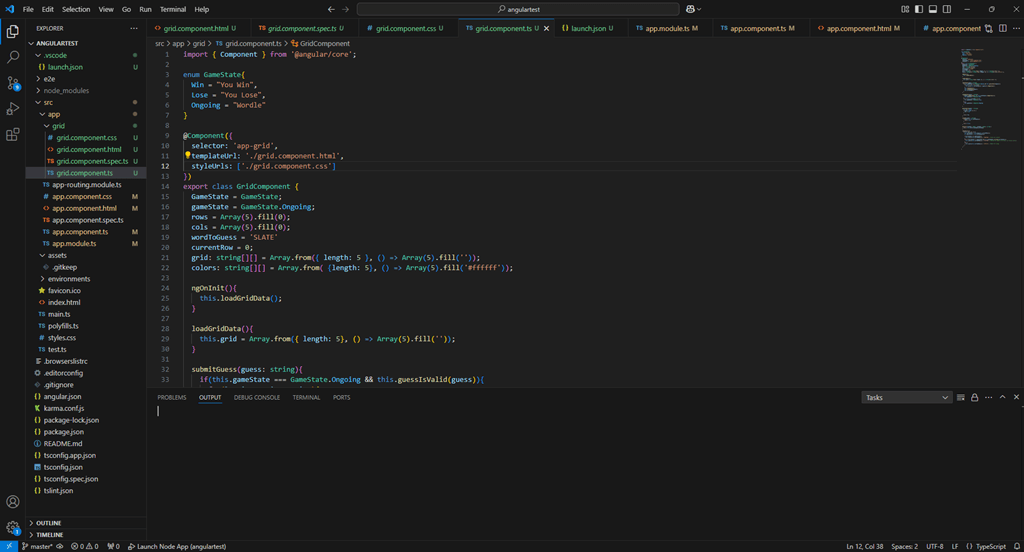
Known for being lightweight yet highly versatile, Visual Studio Code is a favorite among developers for web and cross-platform development. It supports a wide array of different programming languages through extensions.
This has been one of the most fun code editors to work with, as it makes it quick and easy to set up working responsive web apps to allow you to quickly set up things such as interactive web games, web pages, etc. My favorite project that I’ve worked on using this editor has been recreating a Wordle-style game.
Autodesk iLogic Editor
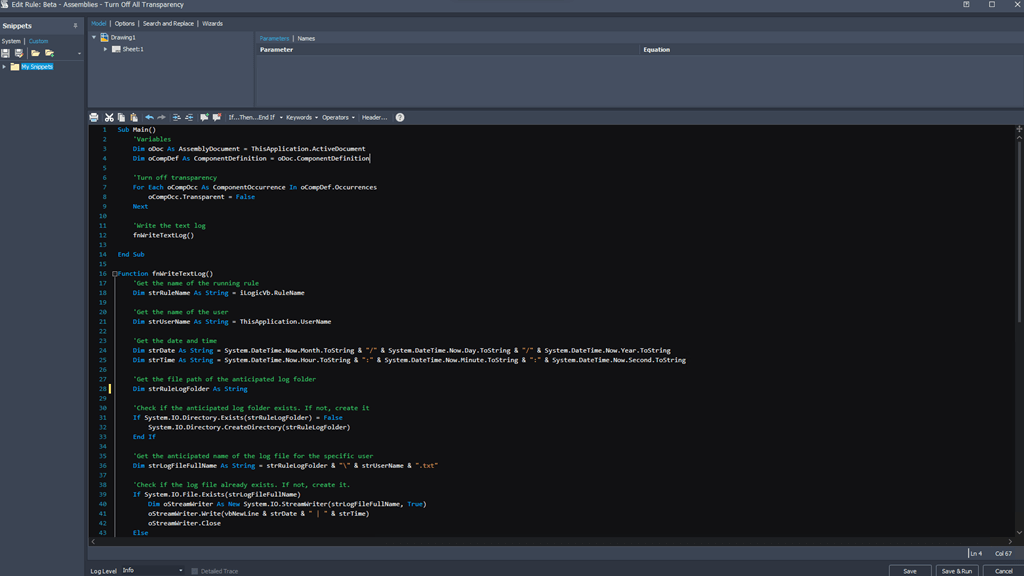
This is a specialized tool that exists within one of Autodesk’s best drafting products: Autodesk Inventor. This tool allows you to edit code directly within the drafting software itself to help you seamlessly automate your workflows, speed up your design and validation processes, and open up a whole new world of possibilities to help assist you in all of your computer-aided drafting endeavors.
This IDE will always hold a special place in my heart, as this is the very first IDE I had ever used, and ultimately what lead me down my unanticipated path into the world of Software Development. During my time as a Drafter at a local manufacturing company, I discovered the iLogic editor (completely by accident) and quickly realized how powerful it could be. I began to teach myself how to write iLogic code, and instantly began to see a world of possibility unfold before me. After creating a few iLogic scripts that automated several of our tedious standard work processes, management at my company took notice and offered to send me to a few programming classes, ultimately leading me to become a Software Developer at the company.
Windows Powershell ISE
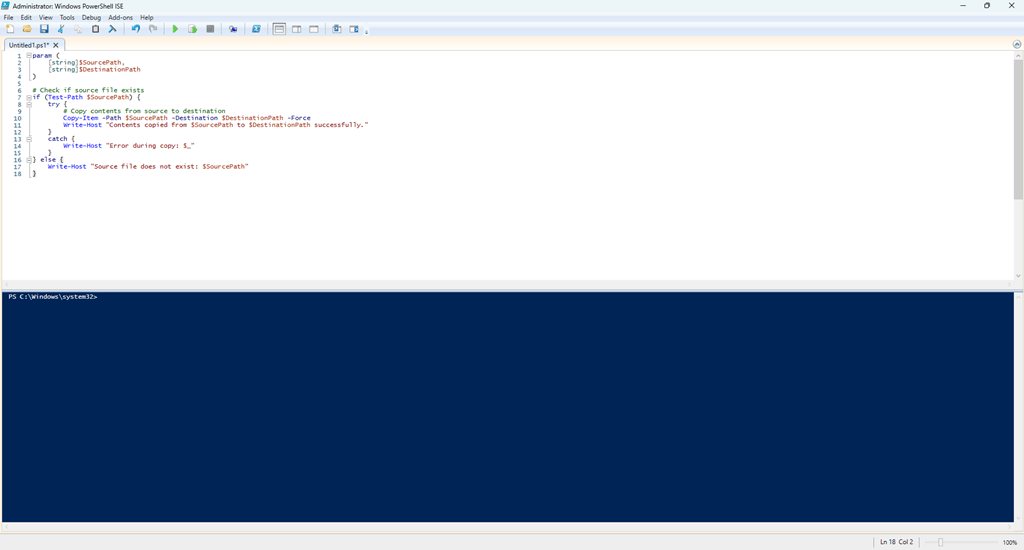
Windows Powershell ISE is a graphical interface for Windows Powershell that features a mulit-pane script editor with basic debugging tools and a simple tabbed interface.
Though not very visually exciting, this is one of my favorite editors due to how simple, yet powerful it is. I have used this primarily to create scripts that are involved in backing up certain files within certain file structures, or to validate that folder structures have been created successfully on a user’s machine that follow company standards.